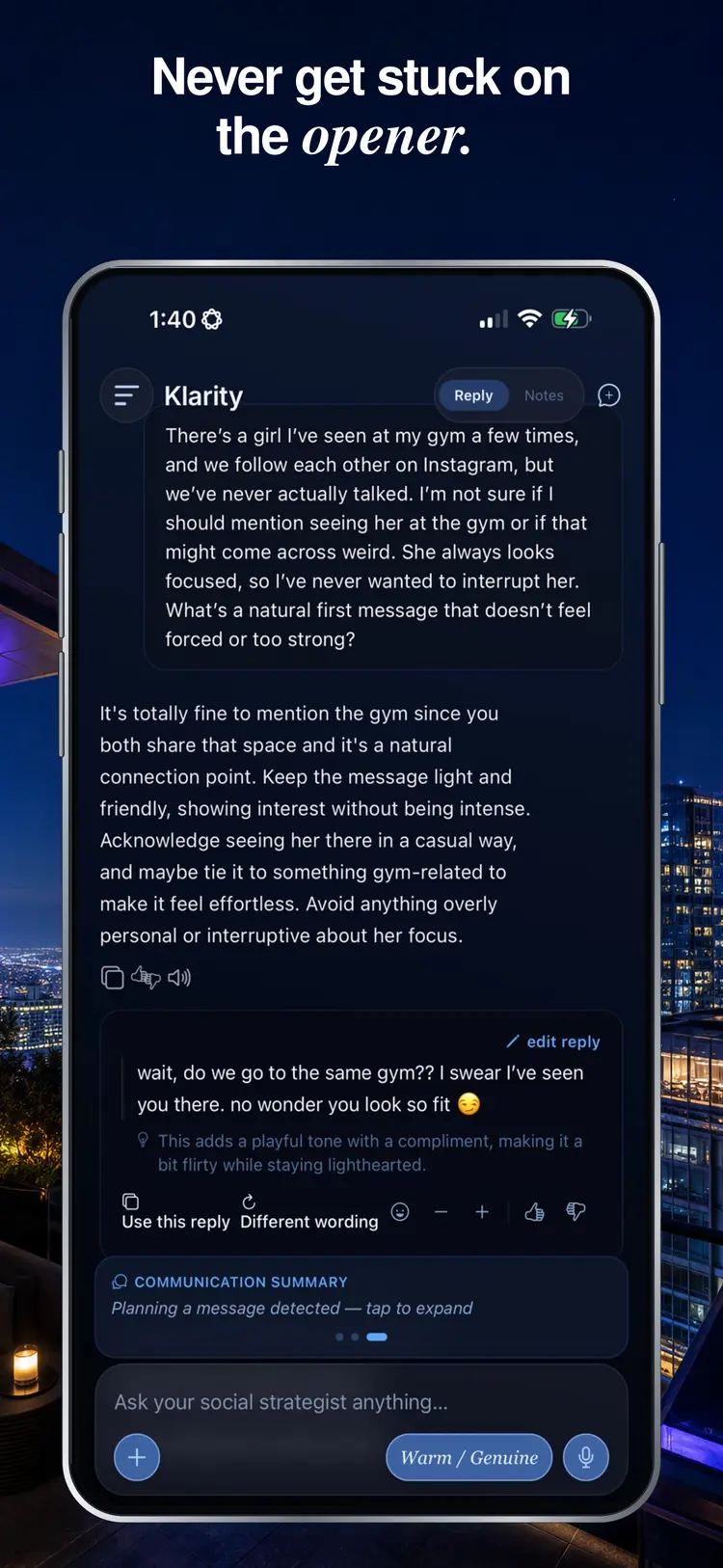
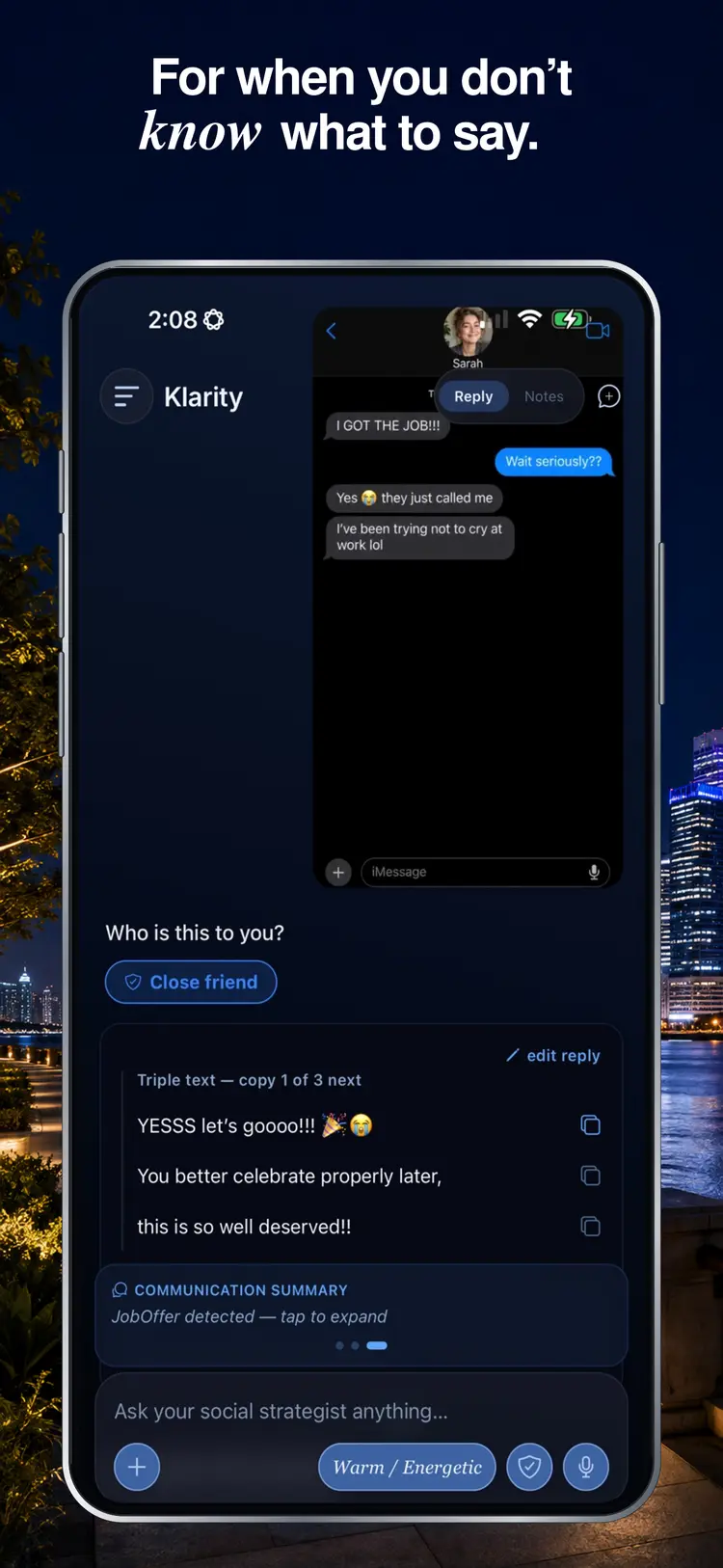
Heads up: the App Store is still showing older previews. These are Klarity's current screens.
AI texting assistant for iPhone
Never wonder what to text back.
Upload a screenshot. Klarity reads the tone, tells you what they mean, and writes replies that sound like you.
Download on the App Store
For iPhone
Swipe, or tap to view full screen
What Klarity does
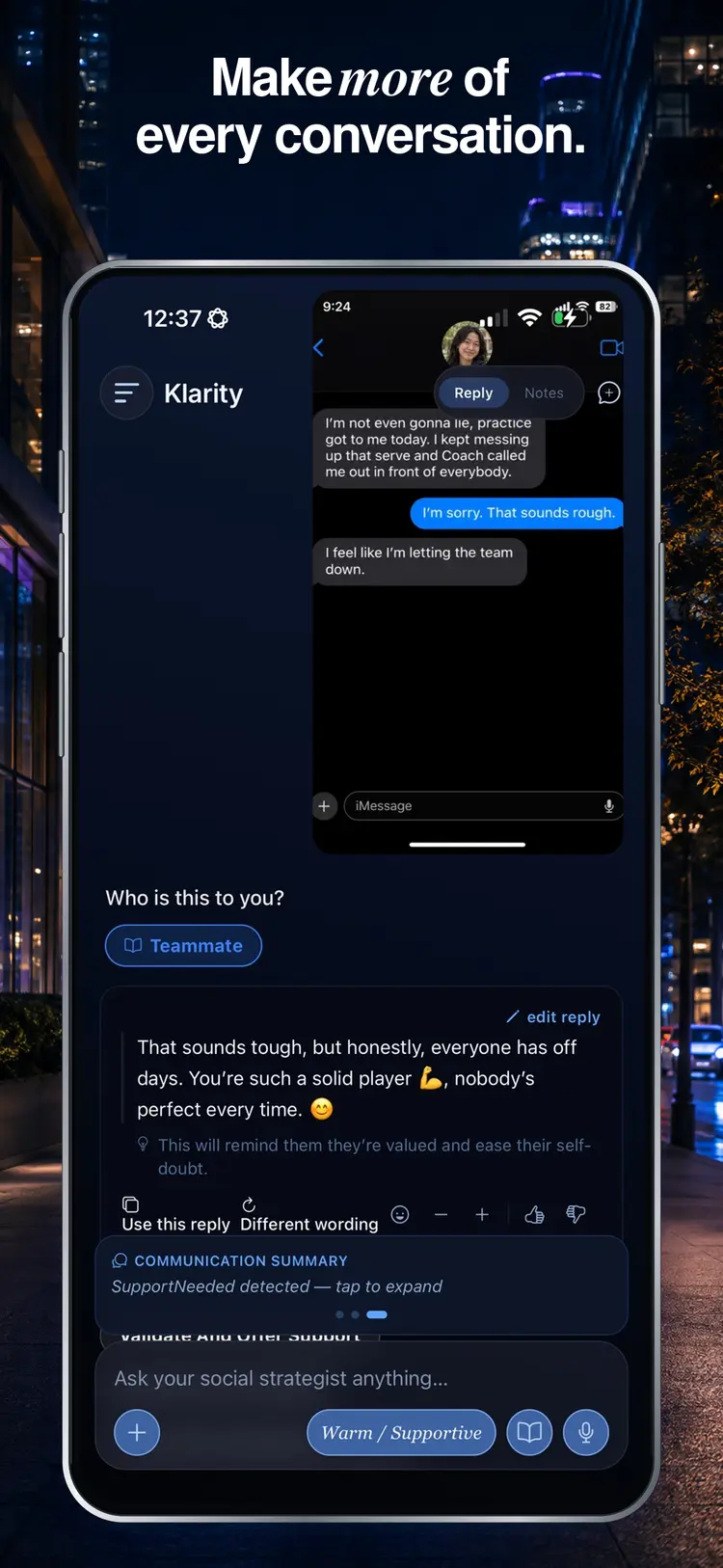
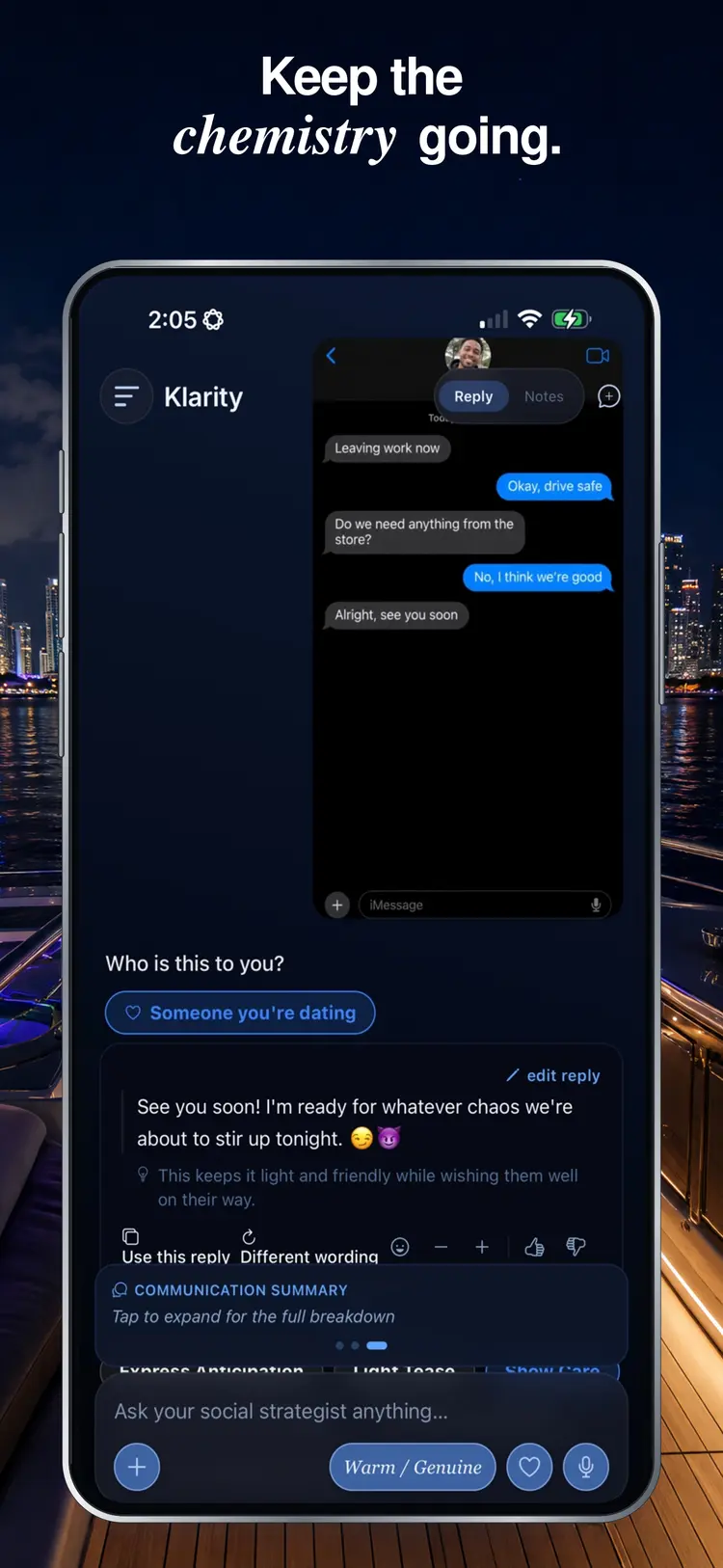
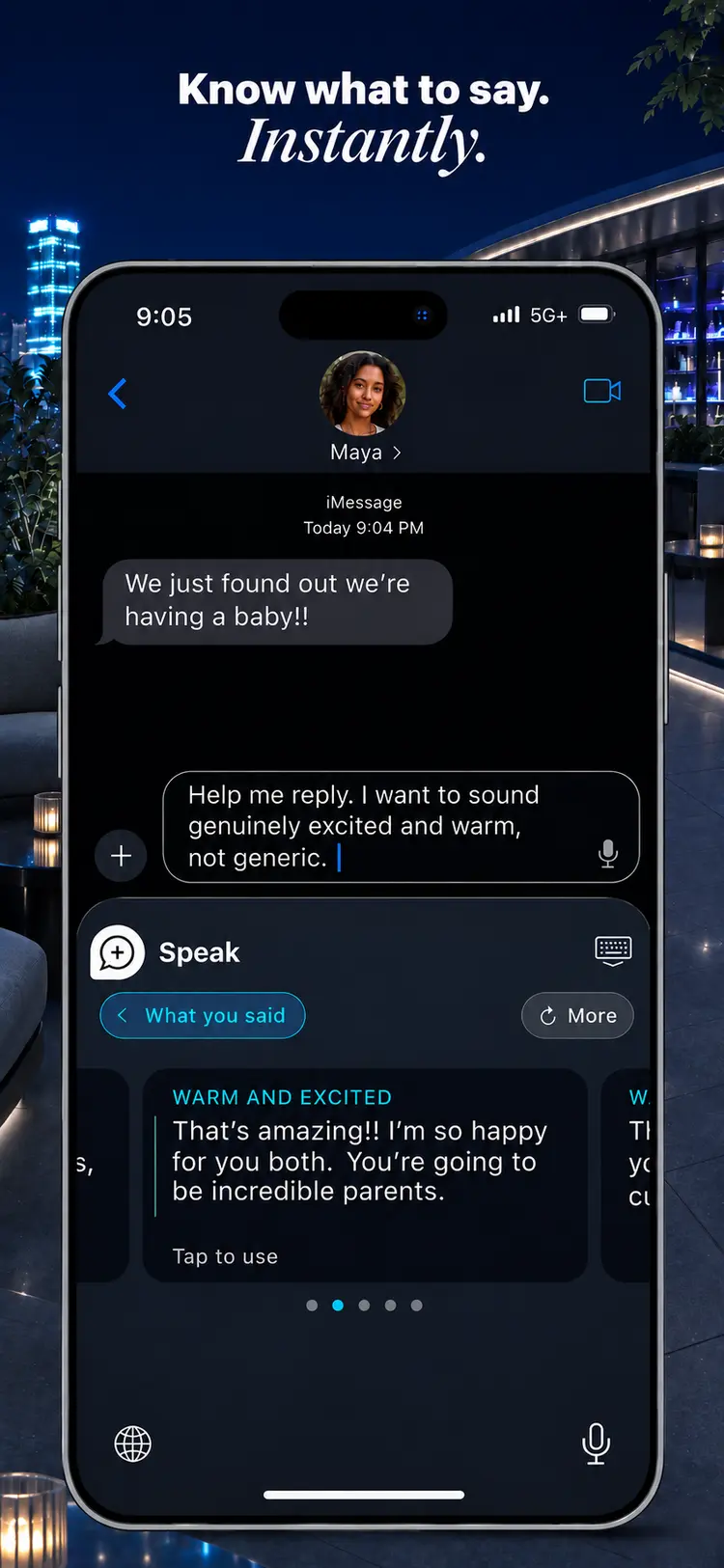
Replies for the moment
Pick a tone and get replies that fit the conversation, ready to copy and send.
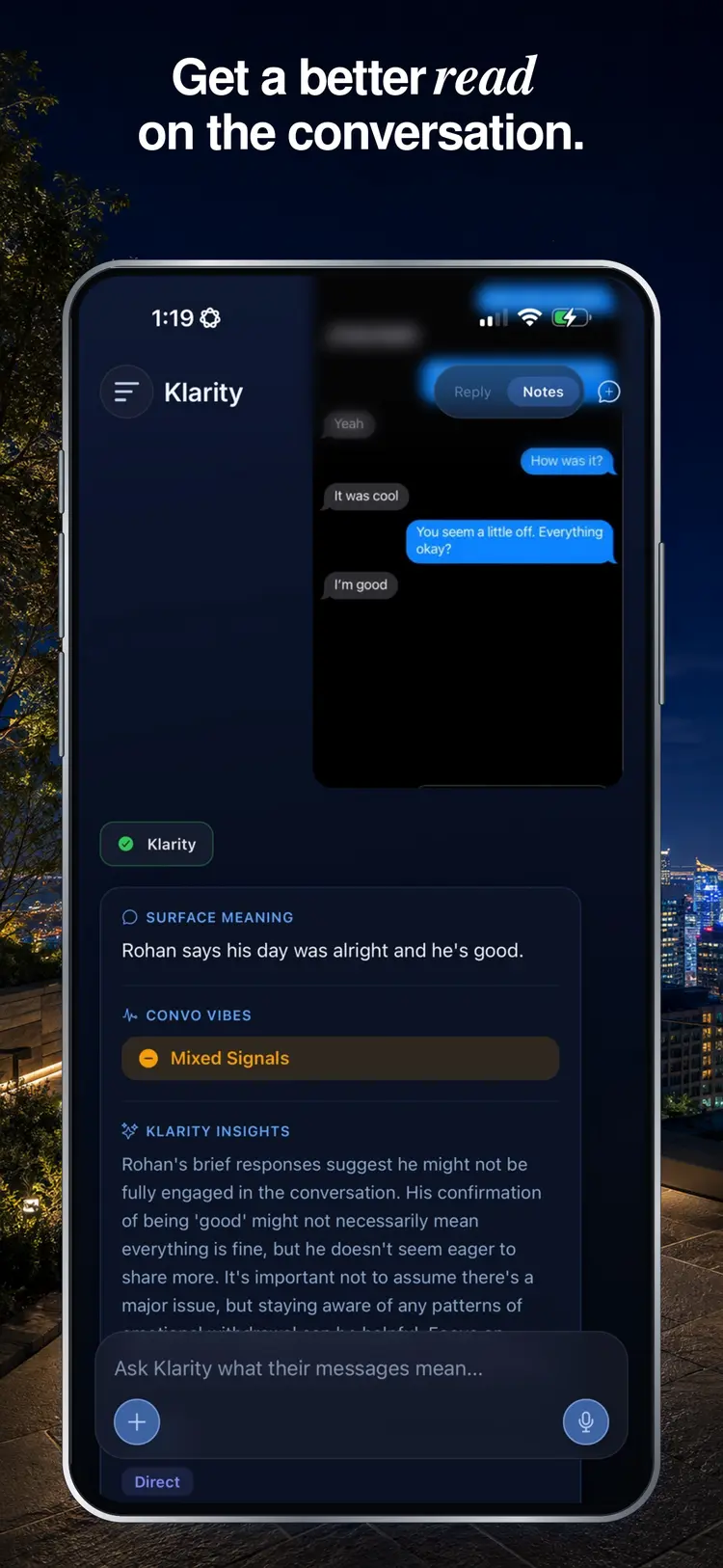
What they really mean
Klarity reads tone and intent, so you know where you stand before you answer.
Sounds like you
Replies match how you text: your length, your emojis, your rules.
Why Klarity asks about you
When you start, Klarity asks a few quick questions. Your answers are how your replies end up sounding like you, not like a robot.
- Who you text mostReplies fit dating, friends or family.
- How you usually textReplies match your length, tone and emojis.
- What you want help withKlarity focuses on what matters to you, like confidence or keeping a conversation going.
- Your rulesThings Klarity should always or never do in your replies.
Change your answers anytime in Settings → Your Klarity profile.
Your next reply, sorted.
Download on the App Store
For iPhone